FUN with Ruby Rei
FUN with Ruby Rei is an extended version of the original consumer version of Wibbu's immersive language learning game, Ruby Rei. This version of the game was targeted to and intended for use in schools around the world to teach English as a second language. The game was developed in partnership with Cambridge University Press and Cambridge Assessment English, who produced a custom, 400 page teacher's handbook to go along with the game.
As Lead Full-stack Game Developer and later Engineering Lead for Wibbu, I worked on several aspects of the game including:
* 3D gameplay
* 2D UI and gameplay
* Data and analytics systems
* Tools and integration pipelines
* Backend support systems
* Web APIs connecting the game to online dashboards using Node.js and React.js
* Database structures and maintenance using MongoDB
* Company website updates and maintenance
* Cloud services (AWS, Cloudflare, Google Cloud)
With Wibbu, I had the privilege to work on a very small team, collaborating directly with the CEO, artists, linguists, writers, and even voice actors. I enjoyed this role as it allowed me to not only contribute as an engineer, but also in other ways including utilizing my newer Adobe Illustrator proficiency, my Spanish language skills, and more of my soft skills as I collaborated with external partners.
As the sole developer on the team for a year, I was responsible for all things "tech", which included working as game developer, full stack web developer, DevOps engineer, and even IT. There was never a dull moment and I thrived on being exposed to so many different technologies, skills, and opportunities for growth!
All content property of Wibbu, with permission to share for portfolio purposes.
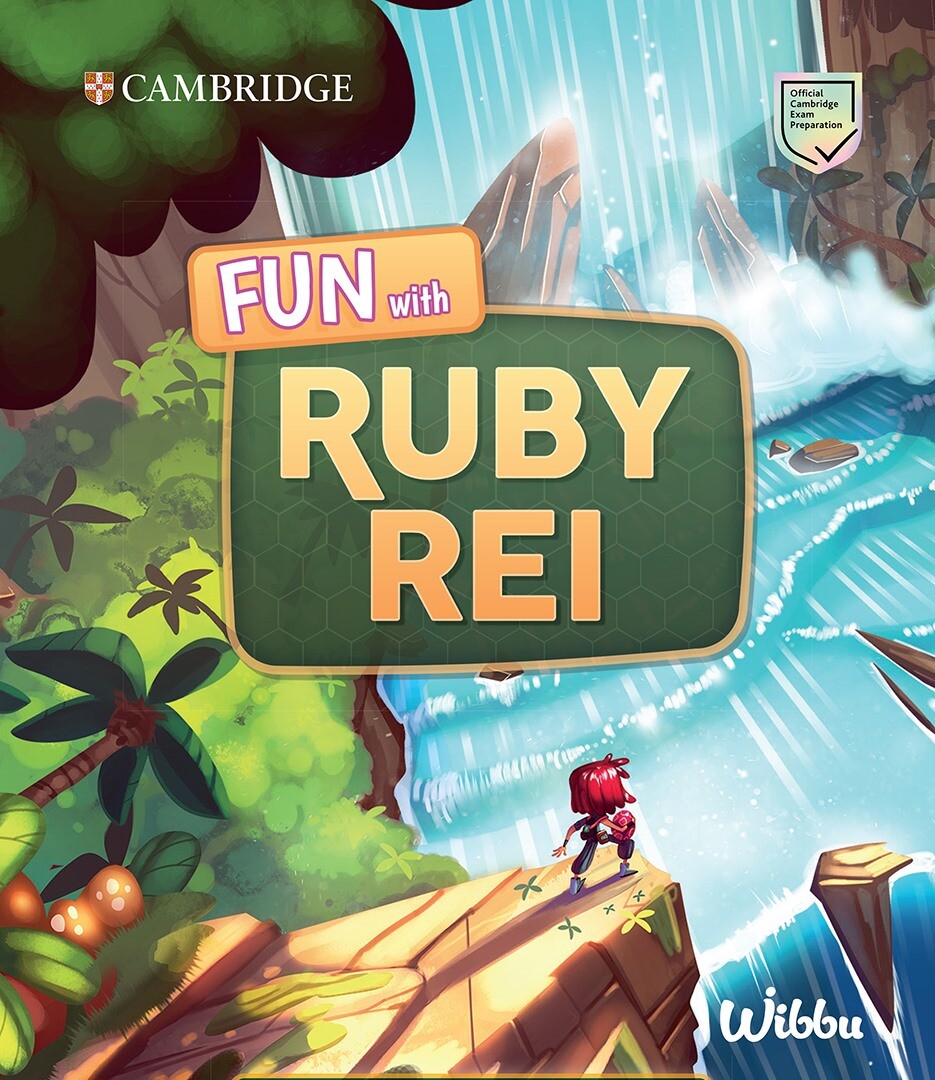
Game promotional art (property of Wibbu)
Introductory video showcasing some gameplay and the original game (property of Wibbu)
This clip demonstrates one of the listening activities that I worked on. The student had entered answers and gotten some wrong, so they need to correct them. The UI indicates which are wrong and provides some hints for the player to fix the answers.
This was one of my favorite activities to implement, and I had a hand in the design of this one as well. I enjoyed working with masking and coloration of objects.
Once the student gets all of the colors and texts right based on the audio, the image has a cool reveal that comes into full color as their reward.
Each type of activity had a tutorial with it that would show the student how to use the activity. The tutorial would only play automatically once per activity type, but could be played again by pressing the button in the top-right.
Some of the reading and writing activities had a matching mechanic where the student was able to match questions with answers from a bank.
Each activity had a consistent marking/grading style that would show the student what they had correct and what they got wrong. For the ones they got wrong, they could click to get a hint.
In this activity, students had to listen to the conversation and match the people being described to the names in the bank. I used a masking technique to create the highlight and border around each character.
In this activity, students had to match word tense and grammar based on context clues in the reading. They select an answer from a multiple choice UI.